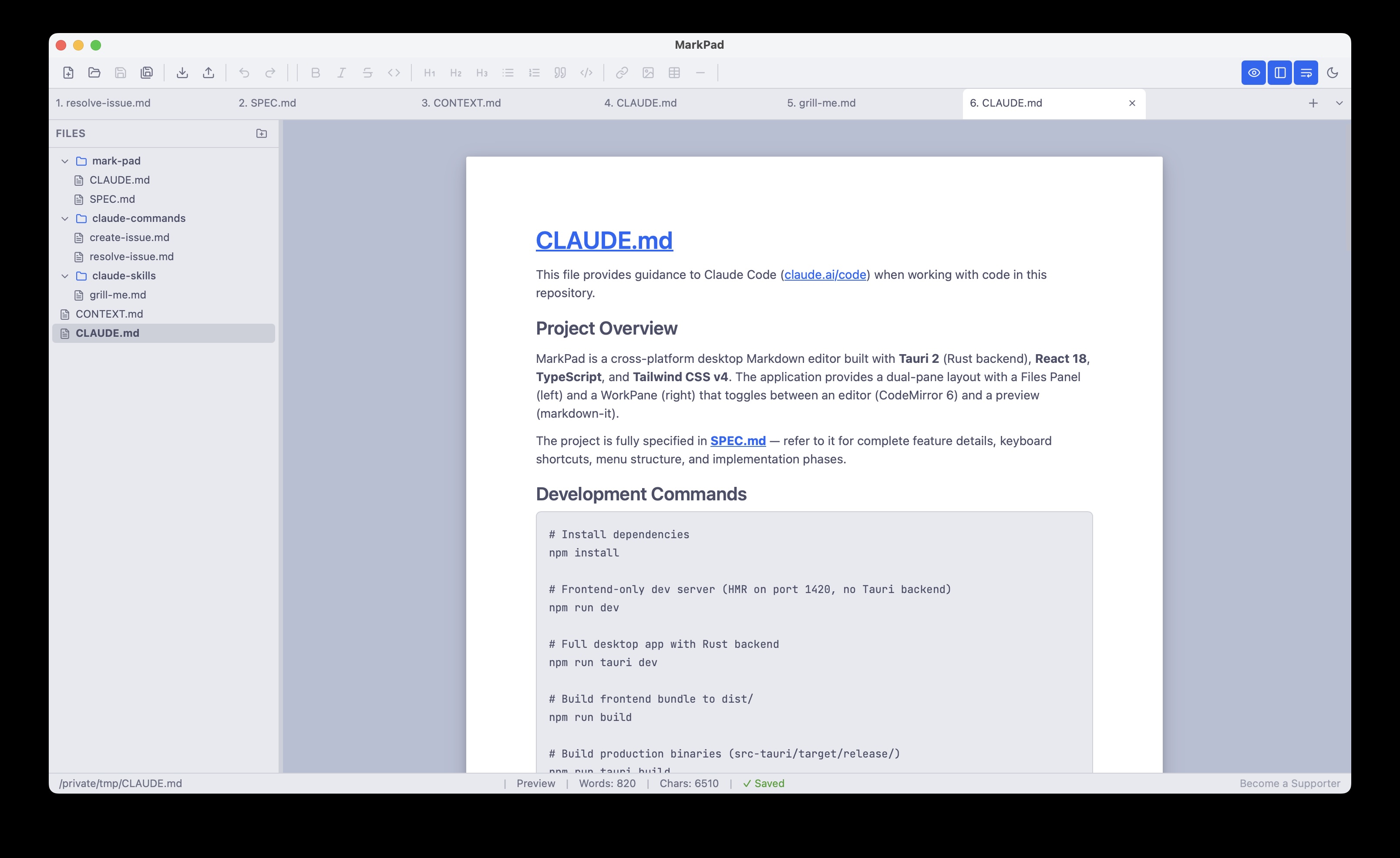
Simple enough to pick up in minutes, powerful enough for your daily workflow.
Syntax highlighting, smart indentation, and a full formatting toolbar — editing Markdown, JSON and text files should feel effortless.
Toggle between source and beautifully rendered output with a single click. No split-screen distraction — just clean, focused reading.
Organize your Markdown files with virtual folders in a built-in Files Panel. Group related notes without restructuring your disk.
Your open files, folders, tabs, and cursor positions are saved automatically and restored exactly as you left them on every launch.
Free for macOS and Windows. No account required.
Version 1.0.0
Have a suggestion or found a bug? We'd love to hear from you.
Thank you! Your message has been sent.